



Play971 App and Mobile Access
Type the brand name into a store search and you will come away empty-handed — or, worse, with something that only pretends to be the real thing. Here is the situation as the operator itself describes it: Play971 does not currently have a mobile application. The platform, which is the UAE’s first licensed sportsbook and gaming site, run by Coin Technology Projects LLC under the General Commercial Gaming Regulatory Authority (GCGRA), reaches phones through an ordinary browser. That is the official mobile format. The only one.
So this page is less about downloading and more about doing things properly. Which format is genuine and which is not, what the routine looks like on Android and on an iPhone, how to make a one-tap icon without installing anything, and what to check when a phone refuses to let you in. A reminder that belongs on every gaming page: access is for adults aged 21 or older, the games and bets are paid entertainment, and a handy screen does nothing for your chances. Open the platform in your phone’s browser and judge the mobile version yourself.
Official Mobile Access
The operator’s wording leaves little room for interpretation. There is no mobile application at present, and the platform is available exclusively through its own site, which can be used on desktop and mobile devices. Everything else follows from that sentence. The table lays out the formats people usually ask about and where each one stands.
| Format | Status | What it means for you |
|---|---|---|
| Native app from a store | Not available | Any store listing with the brand name is not the operator’s |
| APK file | Not offered | Do not install files from third-party pages |
| Installable web app | Not described by the operator | Treat any “install” prompt elsewhere with caution |
| Mobile site in a browser | Official format | Full access to the account and all sections |
| Home screen shortcut | Optional browser feature | A saved link for one-tap entry, nothing more |
The mobile site is not a cut-down version, and that surprises people used to stripped mobile pages. After signing in you get the same menu as on a computer — Sportsbook, Racing, Casino with demo play, Live Casino — plus the wallet in AED, the Withdraw button and Player Controls. What matters is opening the right page, because imitations do exist. The genuine mobile access never does any of the following:
- Asks you to download a file to “continue”;
- Requests permission to install from unknown sources;
- Sends you to pay into a private card or wallet;
- Asks for your password in a chat or by email.
If you meet any of these, close the tab without entering anything. Fake pages copy logos and colours well, but they cannot copy the address, which is why the address is the one thing to check every single time. The genuine site sits in the UAE’s own domain zone and names both the operator and the regulator. Once you have found it, save it, and stop relying on search results or links from chats, since those are exactly the places where imitations are planted. Type the official address by hand and bookmark it for every later visit.







Android Access
Even the cheapest Android phones don’t need anything else than what they shipped with. Open Chrome or whatever browser you prefer and go to the official address. Let the page load; it automatically resizes to the display. The account buttons are up in the top right. If you are new, tap Register, or if you already have an account, then tap the login button, and you are through. No options to play with. No extra permissions needed, no storage to clear. It’s actually faster than reading this paragraph, seriously.
Some details deserve a line or two. Deposit methods are as follows: Google Pay \- AED 10 to AED 50,000 per transaction, usually instant. You fund the wallet with the card already saved on your phone. Bank cards \- AED 200,000. The operator does not publish technical requirements so there are no version numbers to quote; just an up-to-date browser is the practical requirement. The slots and the sportsbook can be handled easily by older handsets, but the live dealer streams need a decent connection. On your Android phone, open Chrome and log in to the site.
iPhone and iOS Access
On an iPhone the story is the same, with Safari in the leading role. Do not go looking in the App Store: the operator has no application, so there is no official page there to find. Open Safari, enter the address, sign in from the top corner. The layout fits the screen, whether you hold the phone portrait or landscape, and nothing is missing compared with the desktop version. An iPad behaves identically and simply gives the lobby more space, which is rather pleasant for live tables and long match lists.
Apple Pay makes deposits quick here — AED 10 minimum, AED 50,000 maximum, usually instant, confirmed with Face ID or Touch ID like any other purchase. Two iOS quirks deserve a mention. Private browsing forgets your session when the tab closes, so expect to sign in again each time. And aggressive content blockers sometimes hide parts of a payment window; pause them for this site if a button seems to be missing. Other browsers on iOS work as well, you know, Safari is just the default. Open the platform in Safari and check that your account loads correctly.
Installation or Home Screen Shortcut
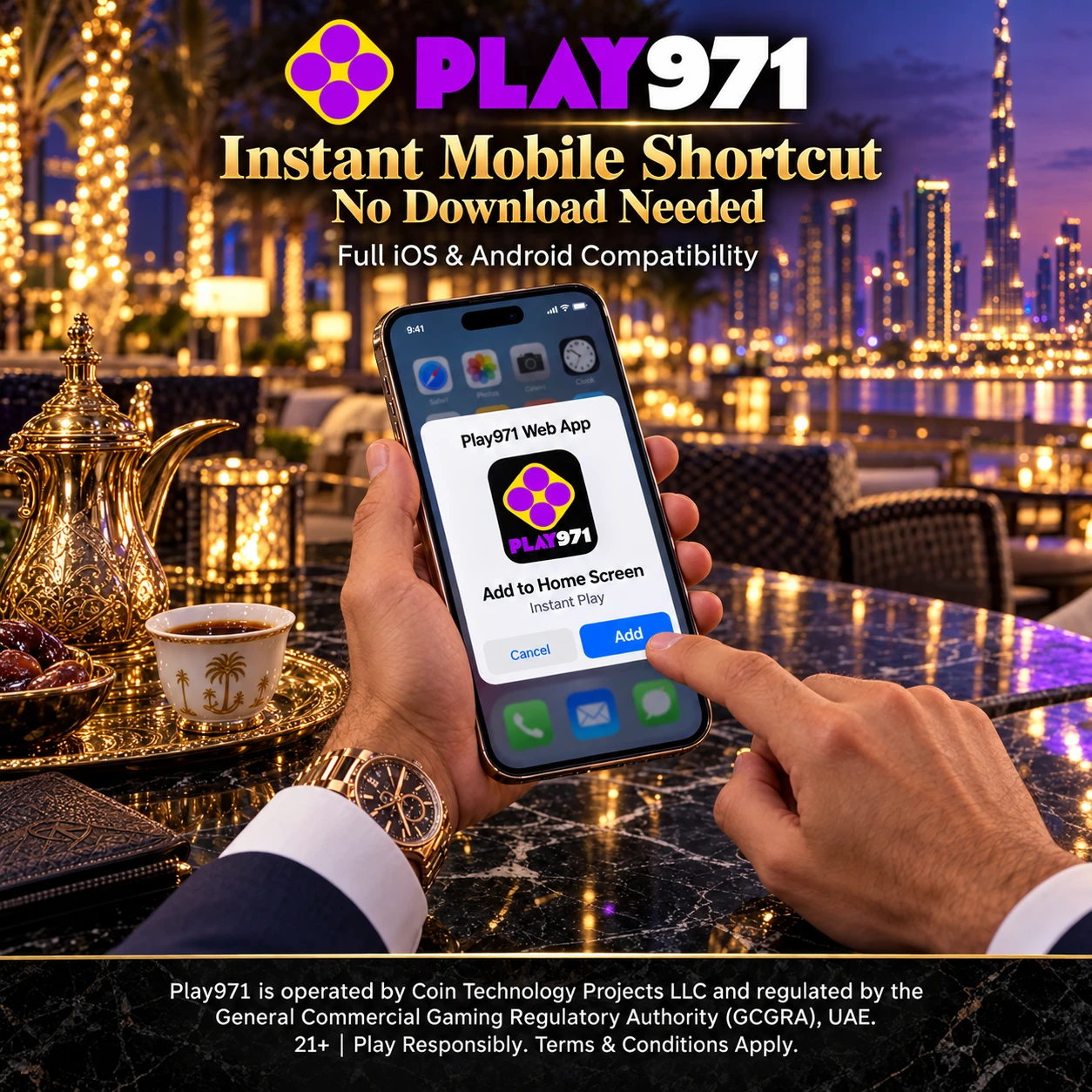
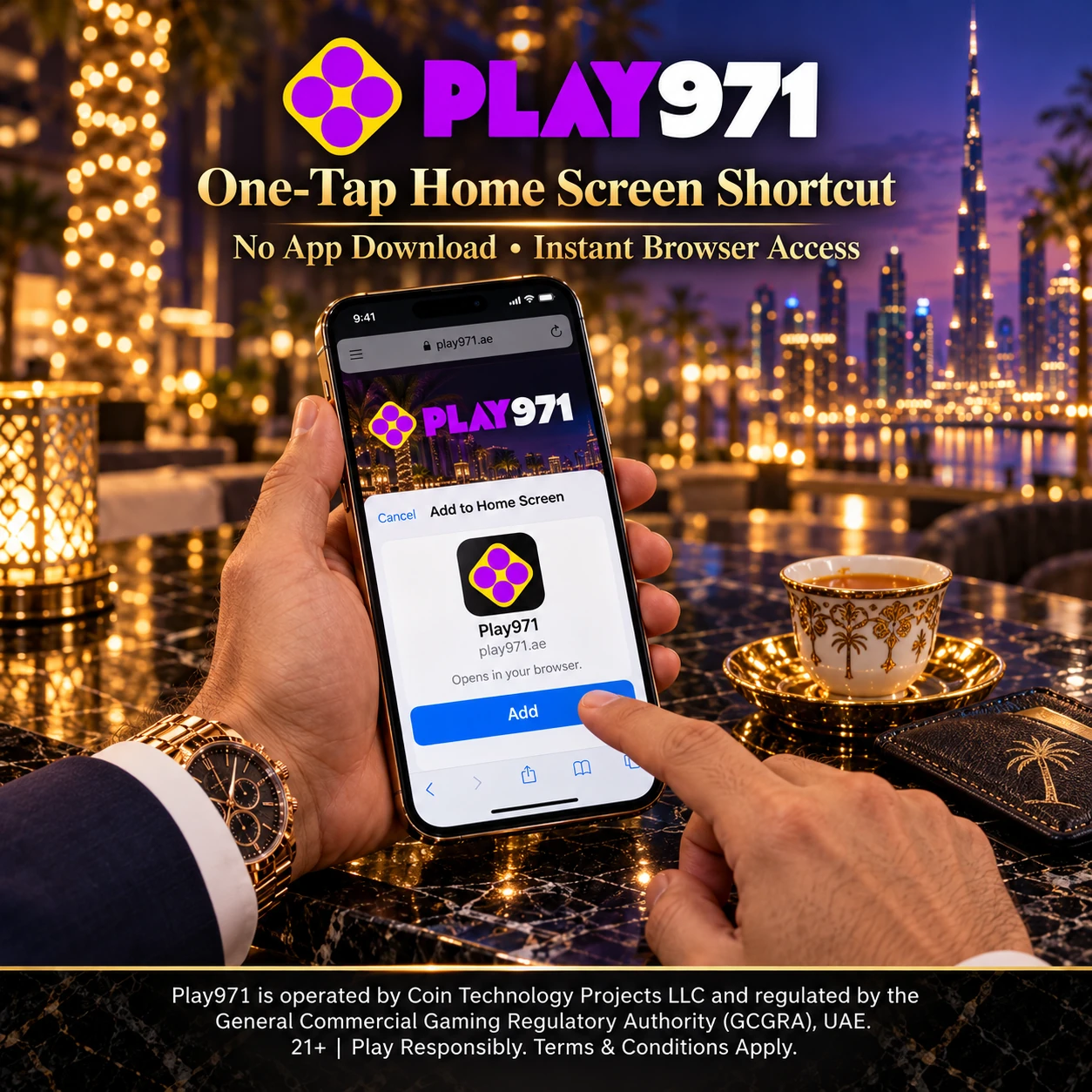
Let’s be precise about words. Nothing here is installed. What you can create is a home screen shortcut, a feature of the browser rather than of the platform: an icon that opens the site directly. It does not add software to the phone, takes up practically no storage and can be removed like any other icon. On Android with Chrome the steps are these:
- Open the official site in Chrome;
- Tap the three dots in the top-right corner;
- Select “Add to Home screen”;
- Keep or edit the name, then tap “Add”.
The iPhone route is just as short, though it starts from a different button. In Safari, tap the Share icon at the bottom of the screen, scroll to “Add to Home Screen” and confirm with “Add”. Menu labels can vary a little between browser versions, so look for the closest match if the wording on your phone differs. Either way the result is the same — an icon next to your apps that leads straight to the sign-in page, with no address to type and no search results to wade through first.
One side effect is actually an advantage. Because the icon is only a link, there is never an update to download: the operator changes the site on its side, and you see the current version the next time you tap. If the page ever looks stale, a simple refresh fixes it. For safety, create the shortcut only from the address you typed and verified yourself, never from a link someone sent you. And think twice before letting the browser save your password on a phone other people use. Add the shortcut to your home screen and keep the official site one tap away.
Mobile Login and Troubleshooting
Signing in on a phone follows the usual pattern. Tap the login button at the top right, enter your email or username and your password, and add the two-factor code if you have enabled that option — which is a good idea on a device that travels everywhere with you. The same account works across all your devices, so nothing has to be set up separately for mobile, and a session started on a laptop can simply be continued on the phone. Afterwards the profile icon opens the wallet, the Withdraw button and your settings, and Player Controls sits at the bottom of the page.
When something goes wrong, the cause is usually ordinary. A rejected password often turns out to be the keyboard switching language or the browser inserting an old saved entry, so type the details by hand. A page that will not load points to the connection first; local press also reports that the service works only inside the UAE with location access allowed and no VPN running. A layout that looks broken tends to recover after a refresh, a cleared cache or a browser update. And if the two-factor code is refused, check that the phone’s time is set automatically.
Some situations are not faults at all. If you can sign in but cannot play or deposit, an active Time-Out or Self-Exclusion may be the reason, since both block play until the period ends. If a deposit fails, make sure the card or wallet is in your own name, as the rules require. For anything else, support is available 24/7 in live chat, with email as a backup — describe the problem and never share your password. A phone makes gaming very easy to reach, I mean, so a deposit limit is worth setting on day one. Sign in from your phone and set your limits before you play.